Scan your space
Walk slowly around the room. RoomLenz uses Apple RoomPlan, the camera and LiDAR to capture walls, openings and main furniture.
A new perspective on your space
Turn a walk around your room into a floor plan and a 3D space you can explore. Add a 360° viewpoint when you want to look around again.
Made for LiDAR-equipped iPhone Pro and iPad Pro. iOS / iPadOS 17 or later.
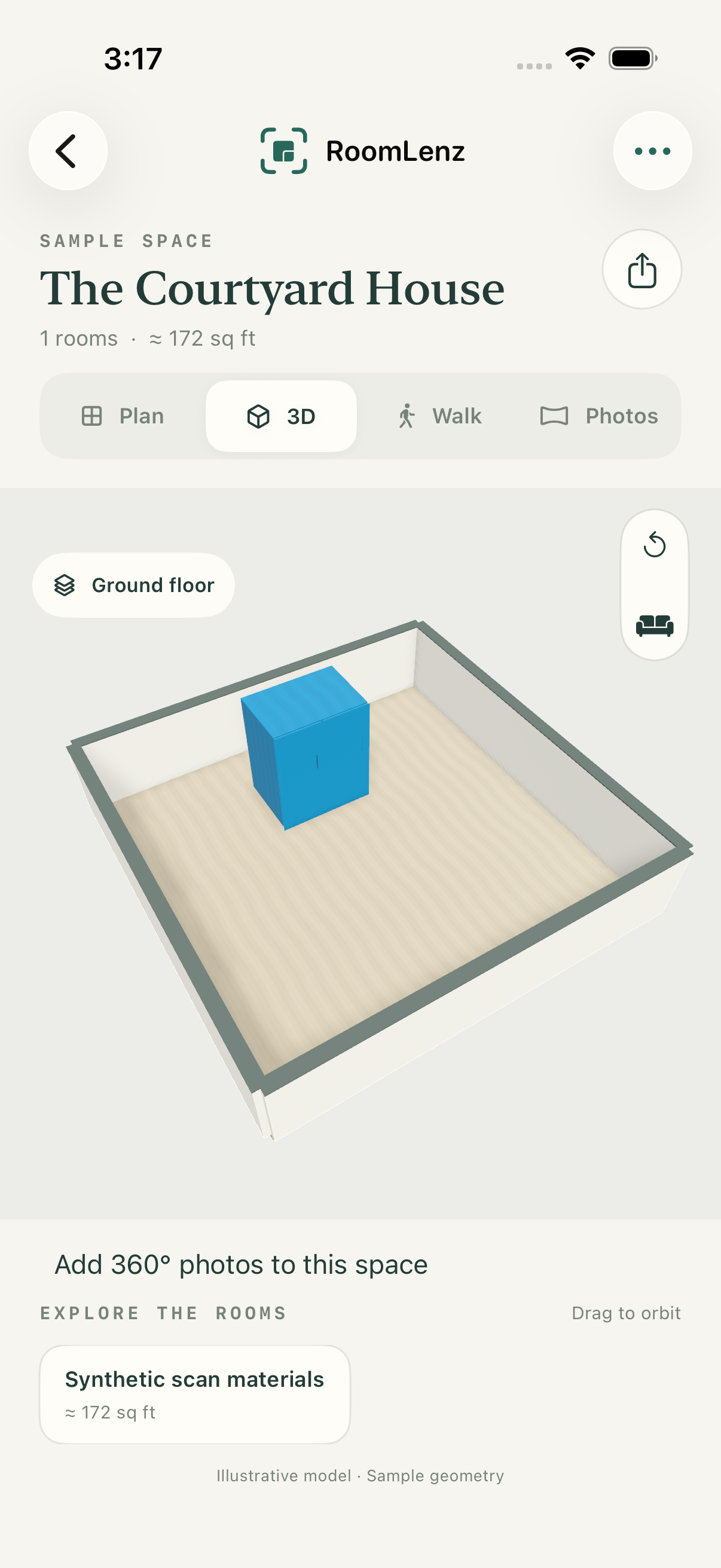
One normal room scan. A few useful ways to see what you captured.
Walk slowly around the room. RoomLenz uses Apple RoomPlan, the camera and LiDAR to capture walls, openings and main furniture.
Review the measured plan, orbit the 3D model or step inside the walkthrough. Photo materials are added from the normal scan.
Save projects on your device. Export floor plans as PDF or PNG, scan data as JSON, or available native models as USDZ.
Capture rooms in one tracking session to build a connected property layout. Give each room its own name and floor.
Camera images and depth add color and photographic detail to visible surfaces, with a simple fallback for areas you could not capture.
Follow a dot-and-circle guide to capture a panorama, or import a complete 360° photo. Open linked viewpoints from 3D and Walk.
Switch measurement units, review outlines and export what you need. Measurements are estimates, not a certified survey.
Your space stays yours
RoomLenz works without an account. Scans, project details and photos are processed and stored locally. The app includes no advertising, tracking or third-party analytics.
You choose when to export or share. Device backups follow your Apple settings.
Read the privacy policyPhotographic materials improve the in-app view. Native USDZ exports contain RoomPlan geometry. Export availability depends on a successful model export.
Capture tips and troubleshooting